


AI has gone from “cool demo” to everyday infrastructure. Most knowledge workers now touch AI several times a day, and the platforms they choose are quietly determining who responds faster, ships more, and talks to customers better. But with hundreds of tools all claiming to be “the most powerful AI ever,” asking “what will be the best AI platform” in 2026 is almost the wrong question.
The more useful question is: “What is the best AI platform for what I should need in 2026?” A solo founder does not need the same stack as a 200‑person SaaS company, and a marketing team should not be running the same platforms as a data team. The winners in 2026 will not the ones who chase every new tool. They are the ones who pick a small, opinionated stack and go deep.
Quick Reference: “Best” AI Platforms By Category
Instead of one winner, think in categories. What do you actually need AI to do? Broadly, the most popular AI platforms in 2025 fall into these buckets:
- General chat and reasoning
- Examples: ChatGPT, Claude, Gemini, Perplexity, Microsoft Copilot
- Best for: Writing, research, coding help, brainstorming, everyday problem solving
- Workflow automation and agents
- Examples: ContactSwing, Lindy, Make, Zapier, n8n
- Best for: Turning manual processes into repeatable workflows, building “AI employees,” connecting tools
- Marketing and content
- Examples: Jasper, Copy.ai, Notion AI, Canva’s AI suite
- Best for: ad copy, landing pages, social content, internal docs and knowledge bases
- Images and video
- Examples: Midjourney, DALL·E, Adobe Firefly, Runway, Synthesia
- Best for: Creatives, ad visuals, product imagery, educational and UGC‑style videos
- Data and analytics
- Examples: ThoughtSpot, Qlik Sense, Power BI with AI features, Google Cloud AI layers
- Best for: “Chat with your data,” natural‑language queries on top of your warehouse and dashboards
- Customer support and communications
- Examples: ContactSwing, Intercom, Respond.io
- Best for: AI‑assisted support, lead qualification, omnichannel conversations across voice, SMS, and messaging
So when someone asks “what is the best AI platform right now,” the sharp answer is: pick one general assistant you trust, then choose one or two execution platforms in the categories that actually move revenue and time for you.
General AI Assistants (Thinking And Writing)
These are your everyday co‑pilots for writing, research, and problem‑solving.
ChatGPT
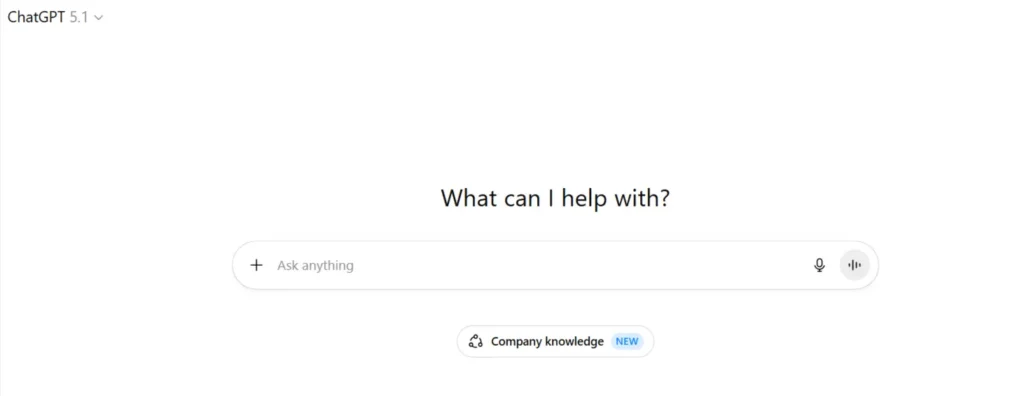
ChatGPT is still the default starting point for most people when they think of AI.
Key Features
- Long‑form writing, editing, and summarization
- Code generation and debugging
- Brainstorming, outlining, and ideation
- Plugins and integrations in some plans
Pricing
- Free tier available
- Paid plans typically in the ~20–25 USD/month range for access to stronger models
Pros
- Very capable generalist for text, code, and reasoning
- Huge ecosystem and strong community support
Cons
- On its own, it is just a smart textbox unless you wire it into workflows
- Quality depends heavily on prompts and how disciplined you are with it
Perplexity
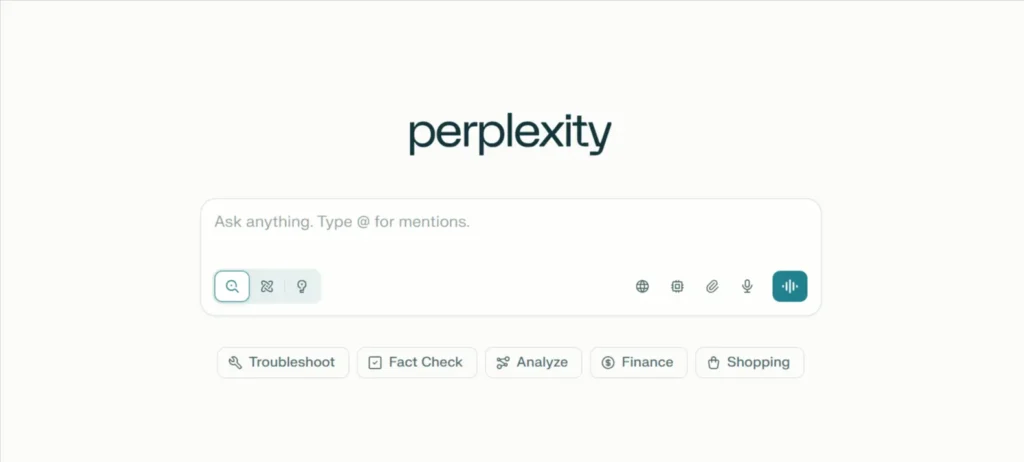
Perplexity behaves more like an AI research assistant than a pure chatbot.
Key Features
- Real‑time web search and cited answers
- Strong at summarizing multiple sources
- Collections and “threads” for ongoing research
Pricing
- Free tier
- Pro plan broadly in the same range as other premium assistants
Pros
- Great when accuracy and source transparency matter
- Ideal for people who spend a lot of time researching and comparing
Cons
- Not a full workflow or automation platform
- Less suited to deep creative writing than a pure generative model
Workflow Automation And AI Agents
This is where AI stops being a one‑off assistant and starts doing real work in the background.
ContactSwing
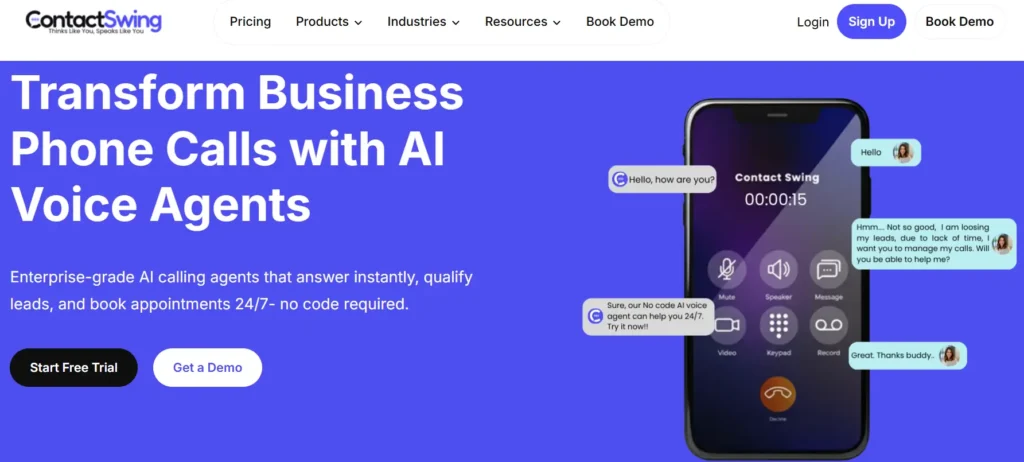
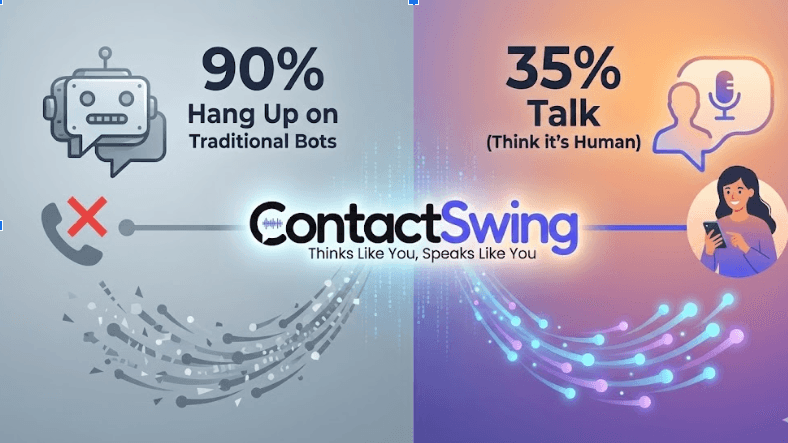
ContactSwing sits in a different league from most agent builders because it is designed for real‑world revenue workflows across voice, SMS, and messaging, not just back‑office tasks.
Key Features
- Unified AI agent for calls, SMS, WhatsApp, and other channels
- Human‑like voice with emotional detection
- Lead qualification (budget, timeline, intent)
- Appointment scheduling and calendar booking
- Automatic CRM logging and call transcripts
- After‑call actions: follow‑up emails, SMS, notes
- No‑code flow setup with CRM and helpdesk integrations
Pricing
- Starts around 25 USD/month for starter‑level usage
- Higher tiers with more assistants, minutes, and workflows for scaling teams
Pros
- One agent for voice, SMS, and chat instead of three separate tools
- Direct impact on revenue: faster response, better qualification, fewer missed leads
- Strong fit for sales‑driven and service businesses (real estate, agencies, healthcare, local services)
Cons
- Best suited for teams with consistent inbound volume
- Pricing scales with usage, which you need to plan around
If you care about agents that directly touch customers and revenue, ContactSwing is usually the better choice because it combines AI agents with the channels that actually convert, not just internal automation.
Lindy
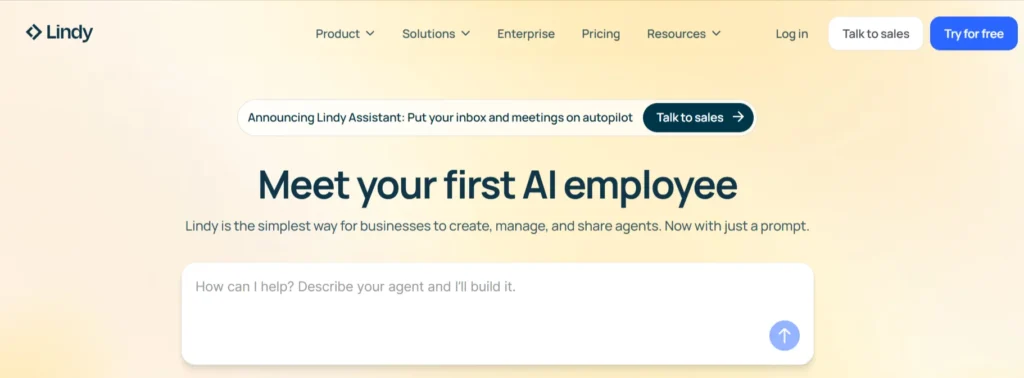
Lindy focuses on building “AI employees” for internal tasks and workflows.
Key Features
- Multi‑step agents for operations, sales ops, and admin work
- Integrations with email, calendars, and common SaaS tools
- Ability to define roles and behaviors for different agents
Pricing
- Paid plans in a similar range to other agent tools, usage‑based
Pros
- Powerful for internal workflows and repetitive knowledge work
- Good fit if you want AI to behave like a virtual operations assistant
Cons
- Less focused on voice/SMS and real‑time customer contact
- Requires thoughtful setup and integration work
Make
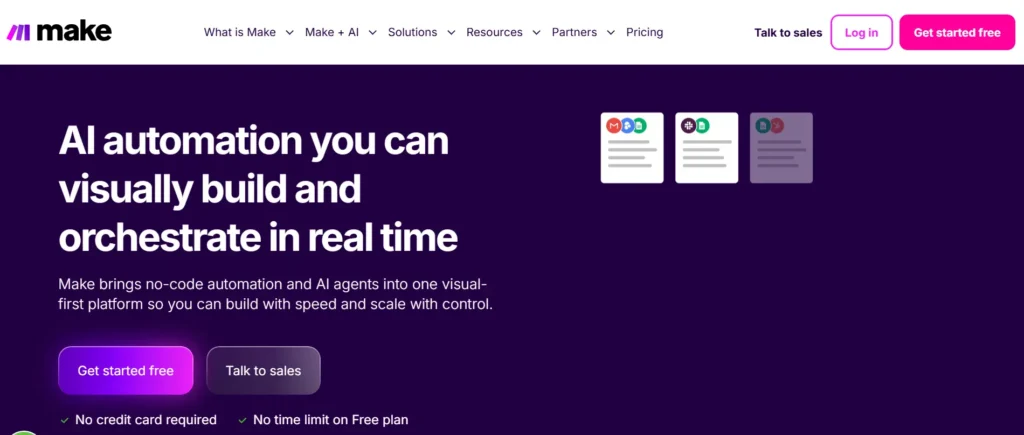
Make is automation backbones with AI added to specific steps.
Key Features
- Visual workflow builders (drag‑and‑drop)
- Hundreds of integrations across SaaS tools
- AI steps for classification, summarization, content drafting, and decisions
Pricing
- Free tiers available
- Paid plans typically start around 20–30 USD/month and scale with volume
Pros
- Great for non‑developers to automate repetitive tasks
- Easy way to inject AI into existing tools and processes
Cons
- Costs can spike with high task/API volume
- Still need a clear systems mindset to avoid spaghetti workflows
Also Check: AI Tools for Whatsapp
Marketing And Content Platforms
These tools turn AI into a production engine for campaigns.
Jasper
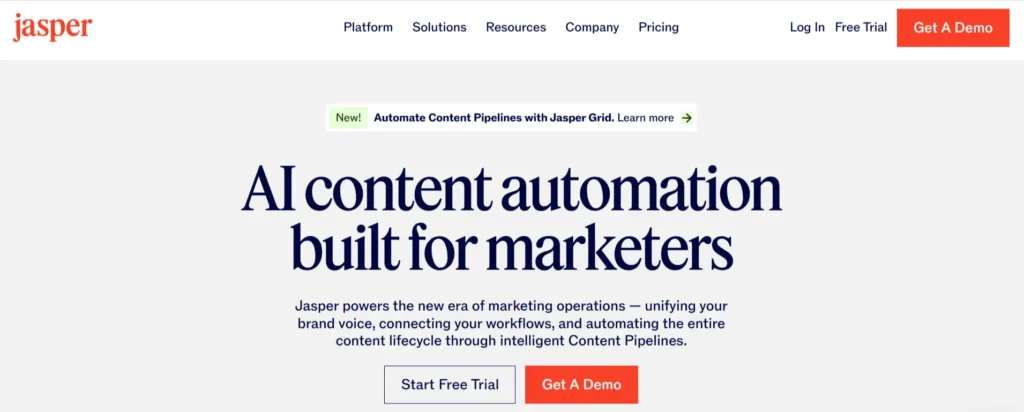
Jasper is built for marketing teams that need lots of brand‑consistent content.
Key Features
- Brand voice and tone profiles
- Templates for ads, emails, blogs, and landing pages
- Collaboration and project management features
Pricing
- Starts in the ~39 USD/month range for individuals or small teams
Pros
- Strong for teams that care about brand consistency
- Faster content production across multiple channels
Cons
- Less flexible for non‑marketing use cases
- Can produce generic content if you are not feeding strong strategy into it
Copy.ai
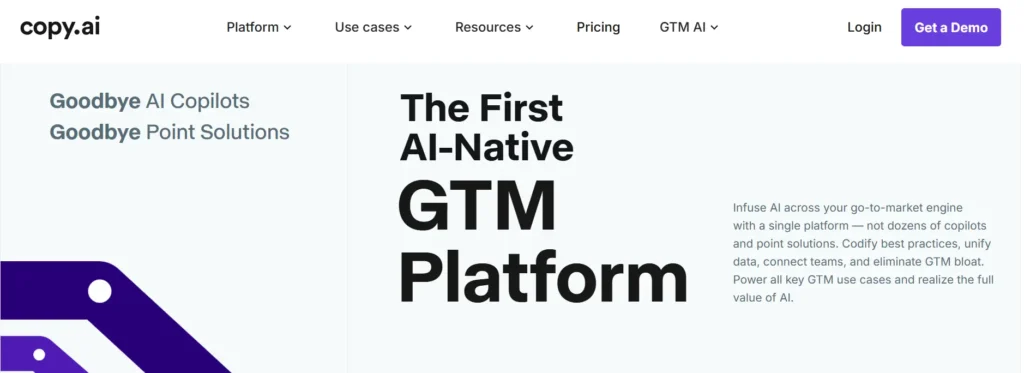
Copy.ai is another content‑first platform, with a focus on marketing workflows.
Key Features
- Templates for social posts, product descriptions, emails
- Campaign and sales sequence tools
- Some CRM and outreach integrations
Pricing
- Free tier
- Paid plans at a similar entry point to Jasper, usage‑based
Pros
- Easy for marketers and founders to get started
- Good mix of templates for small businesses and startups
Cons
- Like Jasper, it is only as strategic as the inputs you give it
- Not designed for deep automation or complex workflows
Image And Video AI
These platforms compress design and production cycles for visual content.
Mid Journey
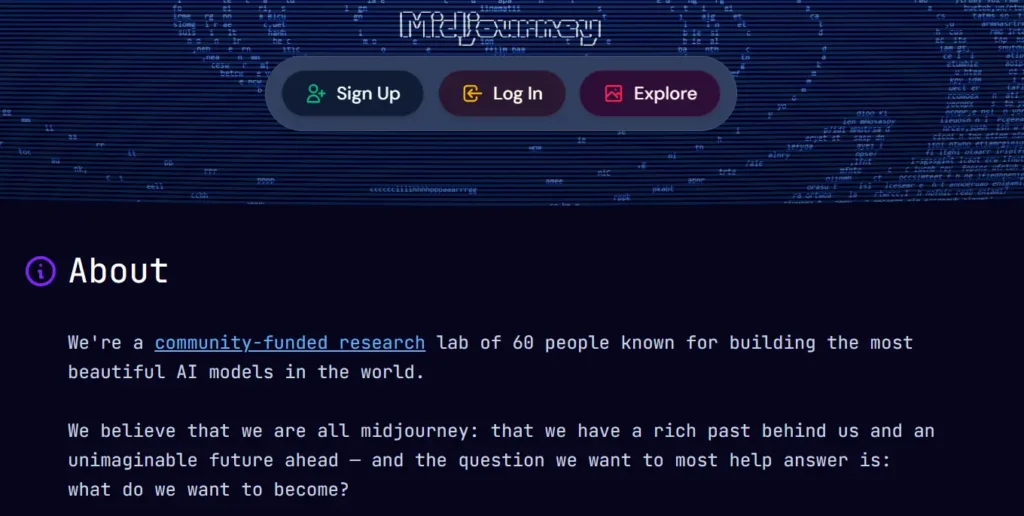
Mid Journey is known for high‑quality, stylized images.
Key Features
- Prompt‑based image generation
- Strong artistic and brandable styles
- Community‑driven experimentation
Pricing
- Subscription model, typically starting around 10 USD/month
Pros
- Excellent for concepting, ads, and unique visuals
- Great for designers and marketers who want variety fast
Cons
- Workflow is not as “business tool”‑friendly as some competitors
- Requires experimentation to get consistent, on‑brand results
Runway

This tools turn scripts and assets into usable video content.
Key Features
- Text‑to‑video and video editing with AI
- Avatars and talking‑head explainers (Synthesia)
- Generative B‑roll and effects (Runway)
Pricing
- Entry‑level subscriptions, typically a few tens of dollars per month
Pros
- Makes video possible for teams without production resources
- Great for explainers, product tours, training, and ads
Cons
- Output still benefits from light human editing and QA
- Avatar‑style content can feel generic if overused
Also Check: AI Tools for Real Estate Agents
Data And Analytics AI
These tools help you talk to your data instead of just your dashboards.
ThoughtSpot
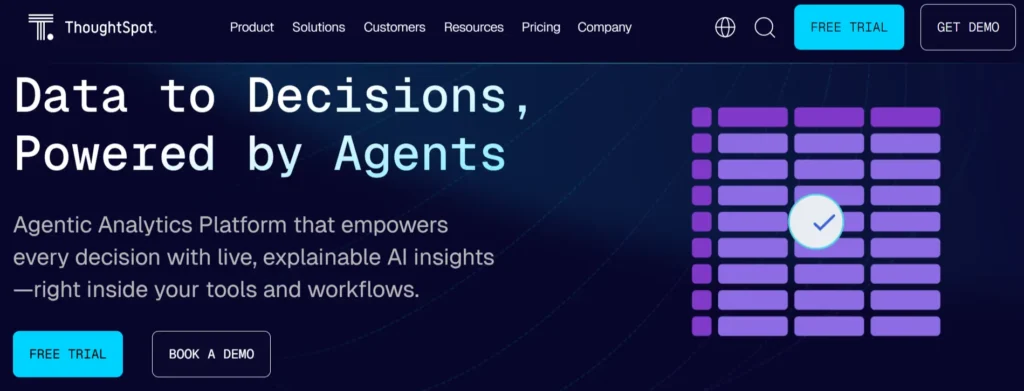
Different vendors, same core idea: natural‑language analytics.
Key Features
- “Ask a question” interfaces on top of your data
- AI‑assisted chart and insight generation
- Integration with data warehouses and BI layers
Pricing
- Typically sold at team or enterprise level, not as cheap consumer tools
Pros
- Makes data accessible to non‑technical stakeholders
- Reduces dependency on ad‑hoc report requests
Cons
- Only as good as your underlying data modeling and hygiene
- Needs governance to avoid misunderstanding metrics
Customer Conversations And Revenue
This is where AI has the most direct and immediate business impact: handling leads and customers in real time.
ContactSwing
ContactSwing is the standout here because it unifies voice, SMS, and messaging into one AI agent that behaves like a full‑time front‑line employee.
Key Features
- AI voice agent for inbound and outbound calls
- SMS and WhatsApp automation under the same agent
- Lead qualification, appointment booking, and pipeline updates
- CRM integrations (HubSpot and others) with full transcripts
- Multi‑language support and emotional detection
- After‑call workflows: emails, reminders, tasks
Pricing
- Starts around 25 USD/month for lower‑usage starter plans
- Scales to higher tiers for more assistants, workflows, and minutes
Pros
- Single platform for calls, SMS, and messaging instead of three tools
- Direct, measurable impact on response times and conversion rates
- Frees human agents to focus on complex, high‑value cases
Cons
- Designed for teams with meaningful inbound or outbound volume
- Requires some upfront thinking about scripts and flows (which it then automates)
In the “agents and workflows” world, many tools focus on internal tasks. ContactSwing is deliberately biased toward revenue and real customer contact, which is why it often ends up being the more valuable choice in practice.
Intercom
Intercom adds AI into an existing customer platform stack.
Key Features
- Website and in‑app chatbots
- AI‑suggested replies for support agents
- Knowledge base and help center tools
Pricing
- Tiered SaaS pricing based on seats and features
Pros
- Strong for SaaS and product companies already using Intercom
- Good mix of automation plus human support
Cons
- Primarily chat and in‑app; voice and SMS require other tools
- Can get expensive as your team and volume grow
Respond.io
Respond.io is an omnichannel messaging hub with automation on top.
Key Features
- Unified inbox across WhatsApp, Messenger, Instagram, and more
- Workflow automation for message routing and responses
- CRM and enterprise integrations
Pricing
- Free and paid tiers, scaling with users and volume
Pros
- Great if you live on messaging channels and want one inbox
- Suitable for mid‑size and larger teams with multi‑channel presence
Cons
- Voice is not native; you still need separate tooling for calls
- Automation is powerful but can become complex to manage
Summary
There is no universal “best AI platform right now.” There is only the best platform for the specific problems you are trying to solve this quarter.
A practical way to decide:
- Start from problems, not tools
List your top three headaches: slow lead follow‑up, manual admin, content backlog, reporting delays, overloaded support. Then map tools to those, not the other way around.
- Build a small stack, not a museum
For most teams, a smart setup looks like this:- One general assistant (ChatGPT, Claude, Perplexity) for thinking and drafting
- One agent/workflow platform wired into your real stack (ContactSwing if you care about calls, SMS, and lead handling; Make/Zapier for pure back‑office automation)
- One content or visual tool if marketing is a bottleneck
Optimise for integration and impact
A slightly less “fancy” AI platform that plugs perfectly into your CRM, phone system, helpdesk, or data warehouse will beat a hyped tool that lives in its own silo. The best AI platform is the one that is actually doing work for you every day, not the one that just looks impressive in a demo.